Snap Measure Toolkit in the Unreal Editor

Snap Measure Toolkit

Measure, annotate and dimension in the Unreal Editor

Eight measuring and annotation tools that live in your level and show up in your renders. Check a stair rise, dimension a room, mark a camera's view or read the speed of a moving actor, without leaving the viewport.

Made for architecture and archviz, level design, product visualisation, techvis and previs.

What you get

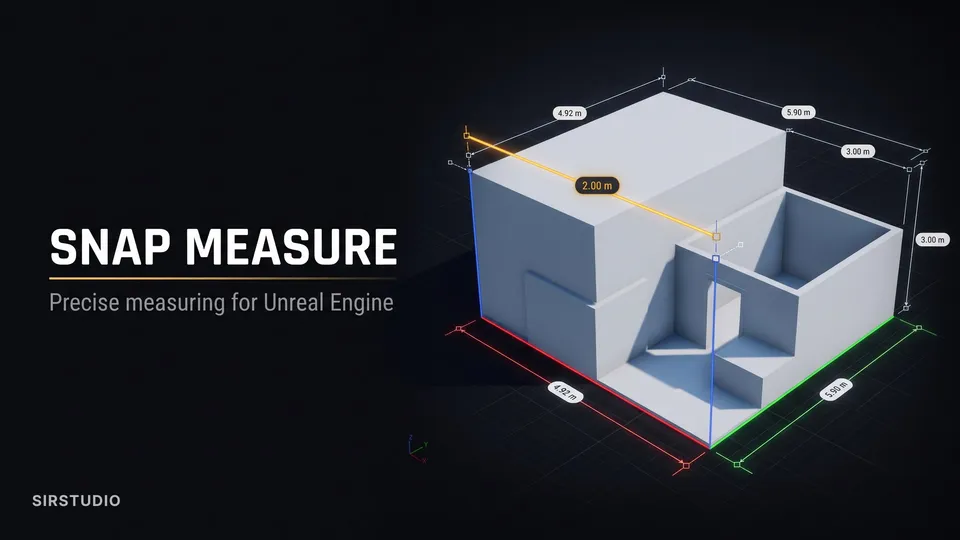
  • Measure: the distance between two points, with extension lines, ruler ticks and X, Y and Z legs.
  • Path: a length along many points, or an area when closed, with each segment labelled.
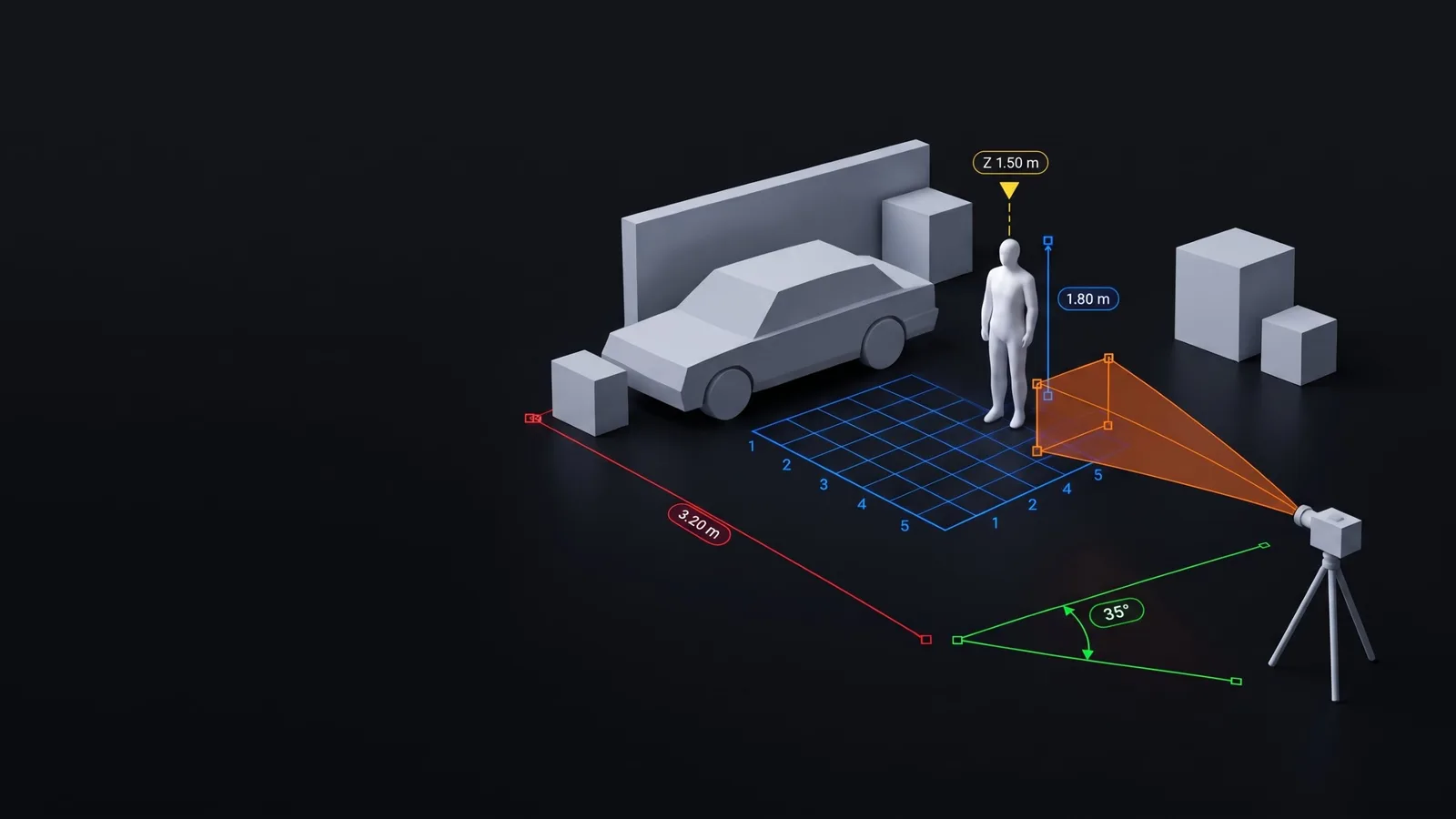
  • Mark: height markers and a real-size 1.8 m person for scale.
  • Text: notes in the world that can show another tool's live reading.
  • Speedometer: the live speed of a moving actor, or its distance, peak, average, acceleration or angular speed.
  • Angle: the angle between two arms, with snapping increments.
  • Camera Frustum: what a camera sees, with its lens and sensor on cine cameras.
  • Grid: a measured grid with numbered lines.
  • Tool Presets: Scale Figure, Level Mark, Note, Scale Bar, Action Line, Dimension String and Room Area.
  • Snapping to vertices, edge midpoints, edges, surfaces, the editor grid and the points of other tools.
  • Units: mm, cm, m, km, in, ft, yd and ft-in.
  • Display Manager: choose which tools each viewport and camera shows.
  • Attach tools to actors, sockets or bones; key most values in Sequencer.

Good to know

  • Unreal Engine 5.8, Windows. Delivered as a plugin.
  • Tools appear in Play, Simulate, Game View and Movie Render Queue renders, labels included.
  • Tools are editor-only actors, so they never end up in a packaged game.
  • Uses Epic's Level Sequence Editor plugin, which comes with Unreal Engine. No third-party software.

FAQ

Does it work for architectural presentations?

Yes. Use the Dimension String and Room Area presets, architectural tick end shapes, and units including ft-in. Measures and labels appear in Movie Render Queue renders, so they can go straight into client stills and walkthroughs.